



Description
Download Girl Chat – socialize, make friends, online chat, connect with girls, live chat, international friends, dating app
Overview
Girl Chat is a free social and communication platform designed to help users connect with others from around the world. The app enables individuals to make new friends without leaving their homes, offering a digital space where real-time interaction is possible. It supports conversations with users from diverse backgrounds, including Indian, American, and European participants, promoting cross-cultural exchange. The platform operates as a public live group environment, allowing users to engage in group discussions and expand their social circles simultaneously. It is tailored for individuals seeking meaningful interactions, whether for casual chat or potential romantic connections. The app includes features such as in-app clubs and live rooms, where users can instantly connect with others who are currently online. A LiveTalk function provides an opportunity to receive advice and broaden social networks through spontaneous conversations. The developer, Girl Chat, has positioned the app as a modern tool for socializing in a digital age. While the exact background of the developer is not publicly detailed, the app’s focus on global connectivity suggests a user-centric approach to online interaction. Real-world use cases include personal networking, language practice, and casual social engagement. The platform aims to reduce social isolation by fostering real-time dialogue across geographical boundaries.
Key Features & Capabilities
- Live Group Chat Rooms: Users can join public chat spaces to interact with multiple people at once, enabling quick and dynamic social exchanges.
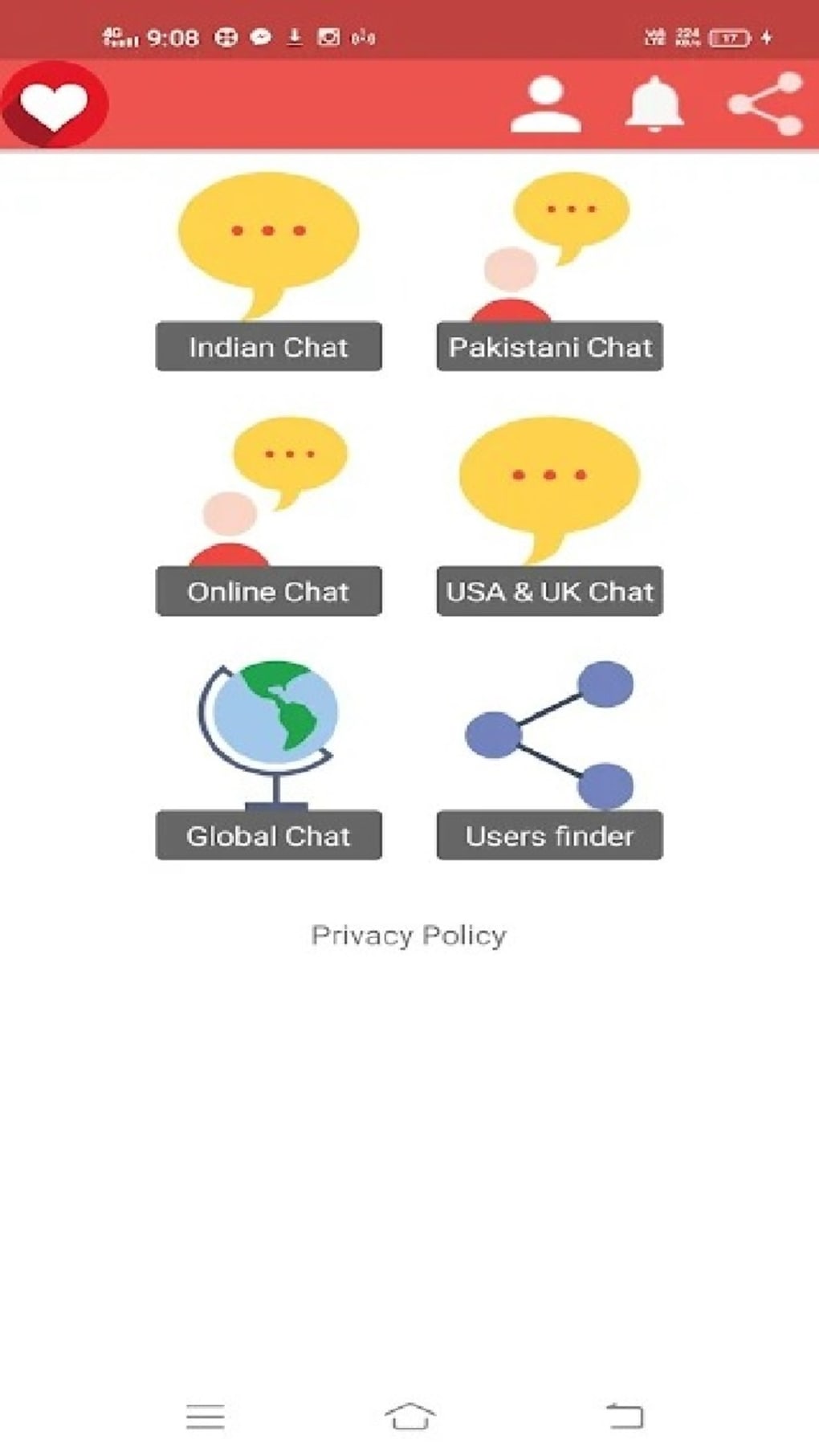
- In-App Clubs and Rooms: A variety of themed spaces allow users to connect based on shared interests, enhancing the relevance and quality of interactions.
- LiveTalk Feature: This function facilitates real-time advice-seeking and spontaneous conversations, supporting both casual and meaningful dialogue.
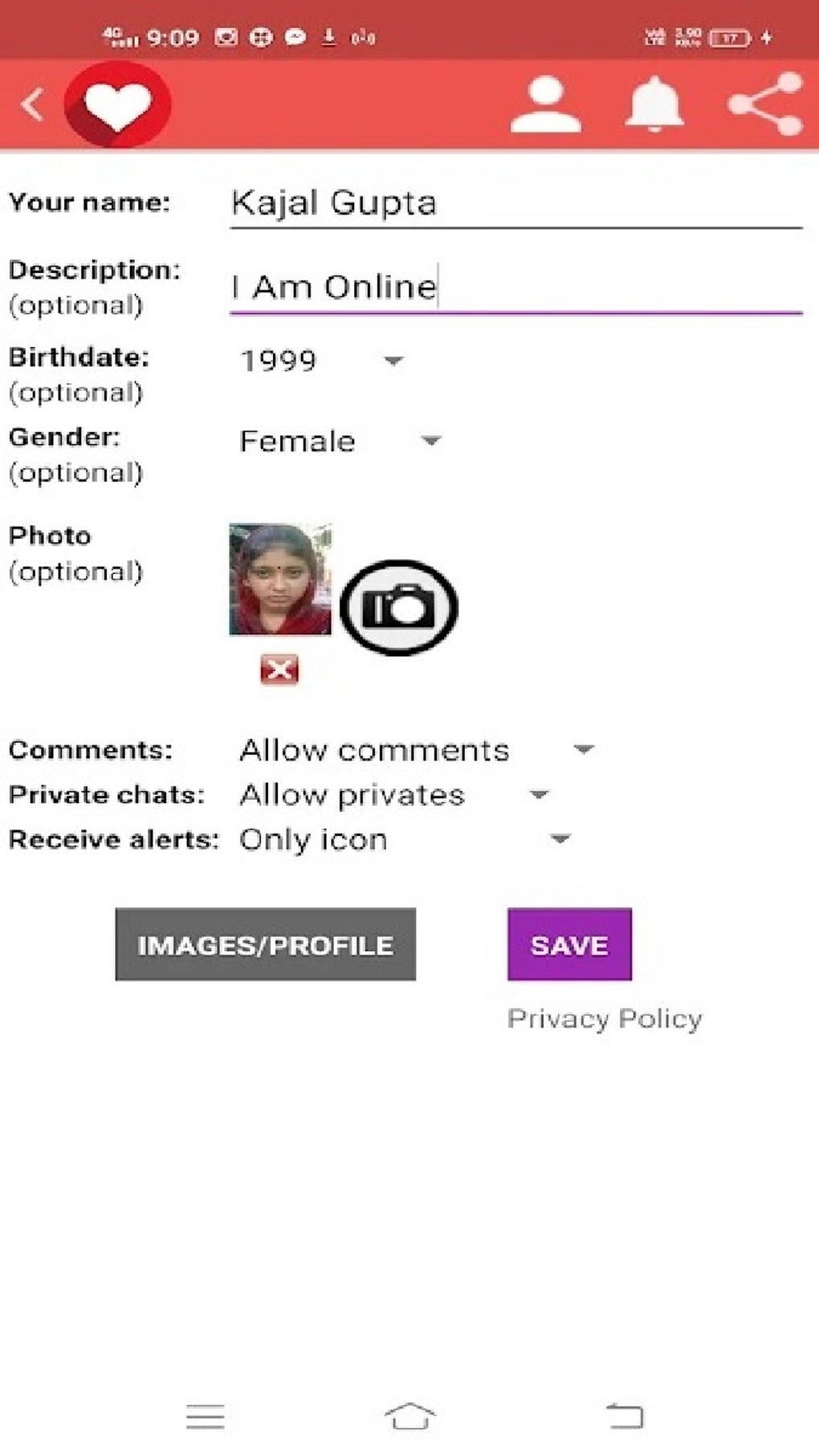
- Profile Customization: Users can personalize their presence with emojis, images, and message styles to express individuality during interactions.
- Find Friend Function: A filtering system allows users to locate others nearby based on gender, location, popularity, or recent activity.
- Live Radio Station: An integrated music stream enhances the user experience, providing background entertainment during social sessions.
- Privacy Controls: Users can manage who can send messages or comments, with options to block or report unwanted contacts.
These features support a flexible social environment where users can choose between public engagement and private conversations. The LiveTalk function is particularly useful for those seeking advice or emotional support. The ability to filter and join clubs caters to niche interests, increasing the likelihood of meaningful connections. The built-in radio station adds a layer of ambient engagement, making the app suitable for extended use. Profile customization helps users stand out in crowded chat spaces. The Find Friend feature enhances discovery, especially for users interested in local or nearby connections. Privacy tools empower users to maintain control over their digital interactions, which is essential in public-facing platforms.
User Interface, Workflow & Performance
The app features an intuitive user interface designed for ease of navigation, allowing users to move between chat rooms, clubs, and profile settings with minimal effort. The layout emphasizes accessibility, with clearly labeled sections and visual cues to guide new users. Navigation is streamlined through a bottom menu bar, which provides quick access to core functions such as live chats, clubs, and personal settings. Workflow efficiency is supported by instant access to active rooms and the ability to switch between public and private conversations seamlessly. The developer did not specify resource usage details, so exact performance metrics such as CPU or RAM consumption are not available. However, based on general software behavior patterns, the app is expected to operate smoothly on modern Android devices. Stability is assumed to be consistent with standard mobile applications, though no formal testing data was provided. Users may experience minor delays during peak usage times, which is typical for live group platforms. The app’s responsiveness appears to be optimized for touch-based interaction, ensuring a fluid experience across various screen sizes.
Compatibility & System Requirements
Girl Chat is designed for Android devices and runs on version 1.5.0 of the application. The installation size is 45.8 MB, indicating a lightweight footprint suitable for devices with limited storage. The supported operating system is Android, though the specific minimum version is not listed. The developer did not provide additional system requirements, so compatibility with older or newer Android versions remains unclear. Users should ensure their device meets general Android app standards for functionality. Exact hardware requirements such as RAM or processor type were not specified. Platform compatibility information is limited to the OS and version. It is recommended to check device specifications against typical Android app benchmarks to ensure optimal performance.
Pros and Cons
Pros
- Free to download and use with no upfront cost.
- Offers real-time group and private chat functionality.
- Includes diverse features like clubs, live rooms, and a live radio station.
- Intuitive interface designed for easy navigation and fast onboarding.
- Provides privacy controls to block and report unwanted users.
- Supports international connections and cross-cultural interaction.
Cons
- App is available only on Android, limiting access for users on other platforms.
- Exact system requirements and compatibility details were not disclosed.
- Users must exercise caution when sharing personal information due to the public nature of the platform.
- Performance under high user load may vary without detailed optimization data.
- No information on update frequency or long-term maintenance strategy.
FAQ Section
Is Girl Chat available for iOS devices?
Currently, the app is only available for Android users. There is no information indicating support for iOS devices at this time.
Is the app safe to use?
Girl Chat includes privacy controls such as message blocking and user reporting, which help users manage unwanted interactions. However, as with any public social platform, users should avoid sharing sensitive personal information to protect their safety.
How often are updates released?
The release date of the current version is March 15, 2024. No specific update schedule has been published by the developer.
Does Girl Chat require an internet connection?
Yes, the app requires a stable internet connection to access live chat rooms, clubs, and real-time features.
Can I use Girl Chat offline?
Offline functionality is not supported. All core features, including live chat and room access, require an active internet connection.
Final Thoughts + CTA
Girl Chat presents a modern, accessible platform for socializing and forming connections with individuals from diverse global backgrounds. Its combination of live chat rooms, themed clubs, and privacy controls makes it a compelling option for users seeking new friendships or casual interactions. The app’s lightweight design and free access further enhance its appeal. While it currently supports only Android and lacks detailed system specifications, its intuitive interface and feature-rich environment suggest strong usability. Users should remain mindful of online safety, particularly when engaging with strangers. For individuals looking to expand their social circle in a digital space, Girl Chat offers a dynamic and interactive experience. Download Girl Chat now and start your journey to meet new people today.
Guides & Tutorials for Girl Chat APK
How to install Girl Chat APK
- Click the Preview / Download button above.
- Once redirected, accept the terms and click Install.
- Wait for the Girl Chat APK download to finish on your device.
How to use Girl Chat APK
This software is primarily used for its core features described above. Open the app after installation to explore its capabilities.
User Reviews for Girl Chat APK 0
No reviews found





